Publish one POD listing you can actually fulfil
Use one product, one public page, and one checkout test to catch wrong variants, missing disclosures, and delivery surprises.
What should I verify before publishing my first listing?
Quick answer
Use one product, one public page, and one checkout test to catch wrong variants, missing disclosures, and delivery surprises.
Reviewed Jul 25, 2026
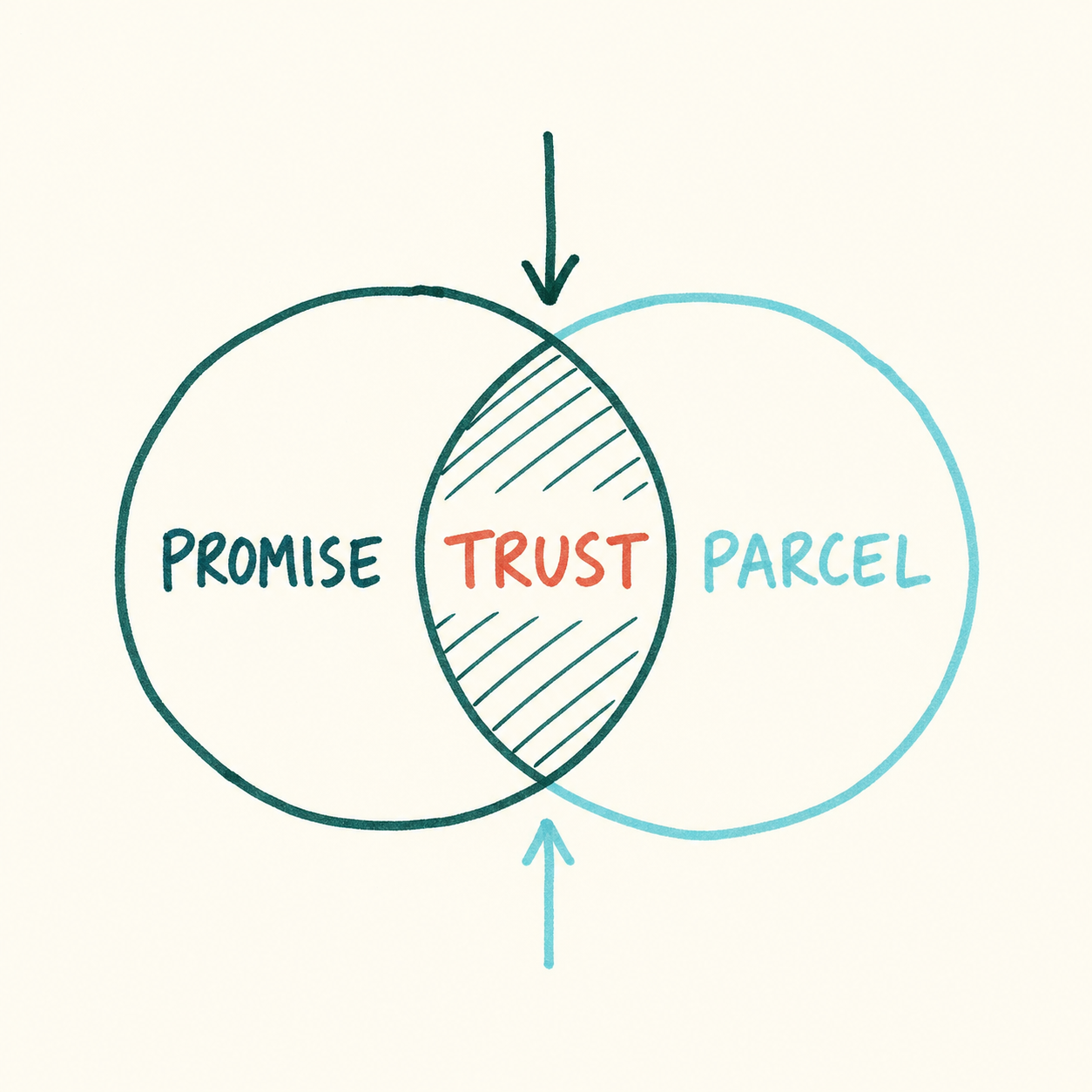
Make the promise match the parcel
A listing can look finished while the order behind it is wrong. If the first photo shows a black shirt but the default variant is white, or the page promises three-to-five days while production takes longer, fix the promise before you publish.
Show what the buyer receives, who designed it, who physically makes it, where it ships from, and what to expect for variants and delivery.
Fill the page in the order a buyer sees it
Build the page from the product outward. For a mug with three colours and personalization, choose the default colour deliberately, show the matching photo, state the character limit, and explain exactly where the submitted text appears.
- 1
Map the exact product
Confirm the SKU, variants, print area, personalization limits, and the provider product and sales channel connected to the listing.
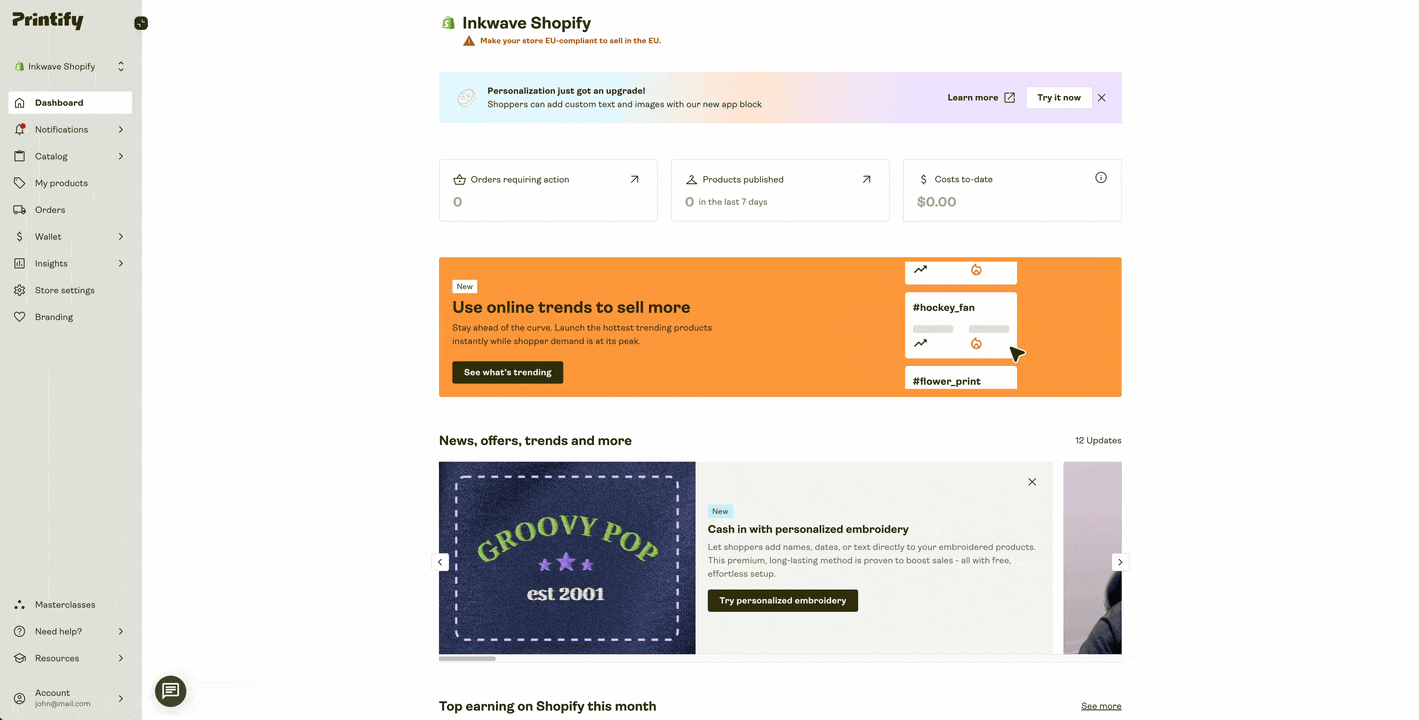
Connect one sales channel and confirm the product is going to the listing you actually intend to publish. Screenshot from Printify (opens in a new tab) - 2
Write what the buyer needs
Add photos, title, description, price, processing time, shipping profile, returns or policies, and any required production-partner or AI disclosures.
- 3
Set the defaults on purpose
Make the first image, default variant, personalization example, and delivery estimate agree with the parcel you plan to send.
- Original seller contribution is clear
- Production partner disclosed where required
- AI use disclosed where required
- Photos match the exact product and variants
- Price and estimated delivery are current
- Public mobile listing can be purchased
Open the public page and make one test trip to checkout
Open the public URL on mobile and desktop. Make one test trip to checkout: check the first image, every option, the default variant, shipping destination and estimate, disclosures, add-to-cart, and the checkout path. The milestone is a listing a buyer can purchase as promised. Leave perfection for later.
Go live only when the product, photos, defaults, price, delivery promise, disclosures, options, and checkout all agree. Otherwise, leave it in draft, fix one item, and test again.
Sources used for this guide
Check the linked source before acting on time-sensitive fees, policies, availability, or production claims.