
How to sell with Spreadconnect after choosing US or EU
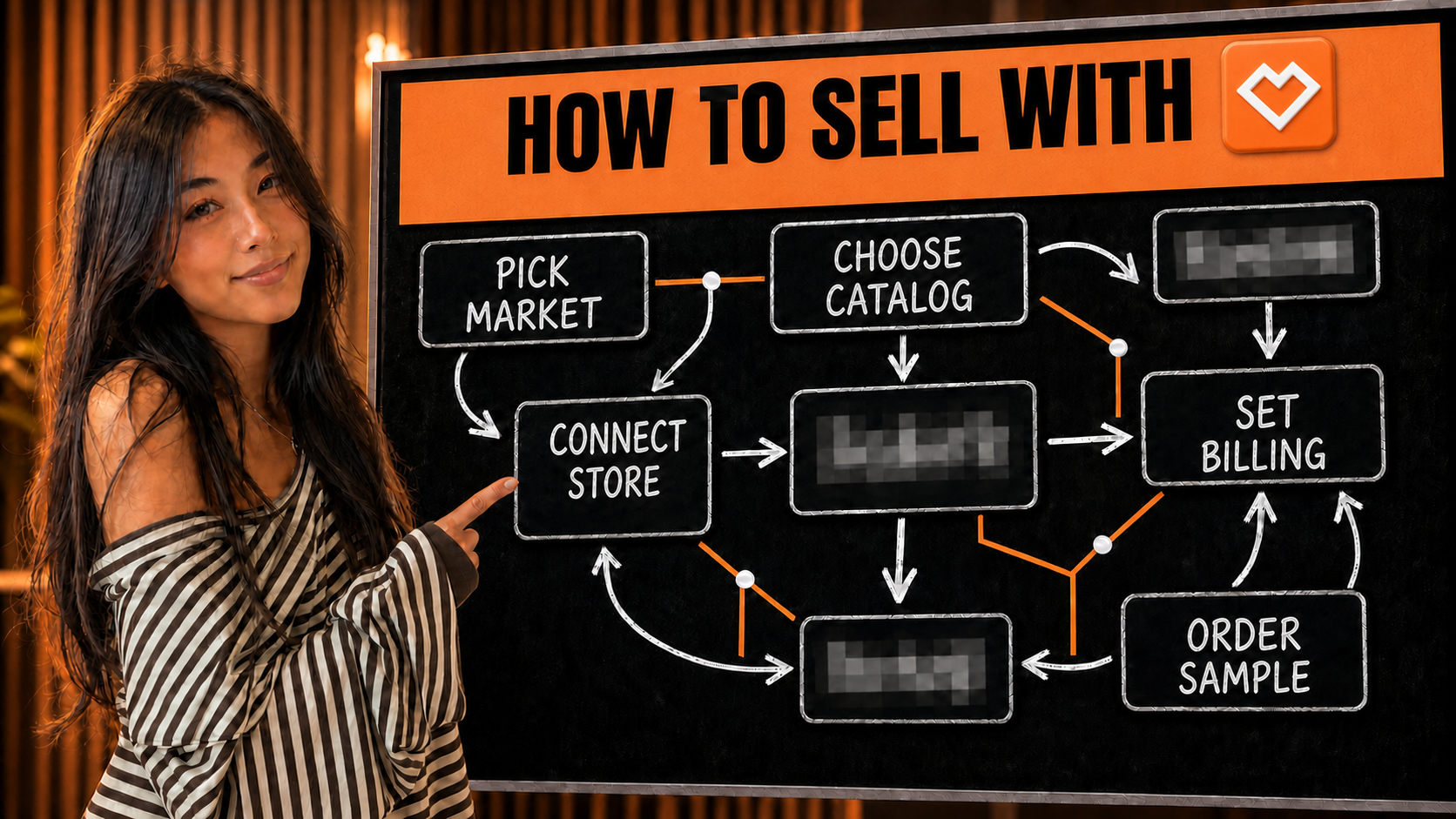
The first account choice can box in the store. One point of sale can use Spreadconnect's US production setup or its European setup, but not both.
Checked July 25, 2026 by POD Starter
Volatile-fact review due
Fees, integrations, locations, or policies may have changed since the displayed check date. Open the linked official sources before acting.
Decide whether the store belongs in NA or EU
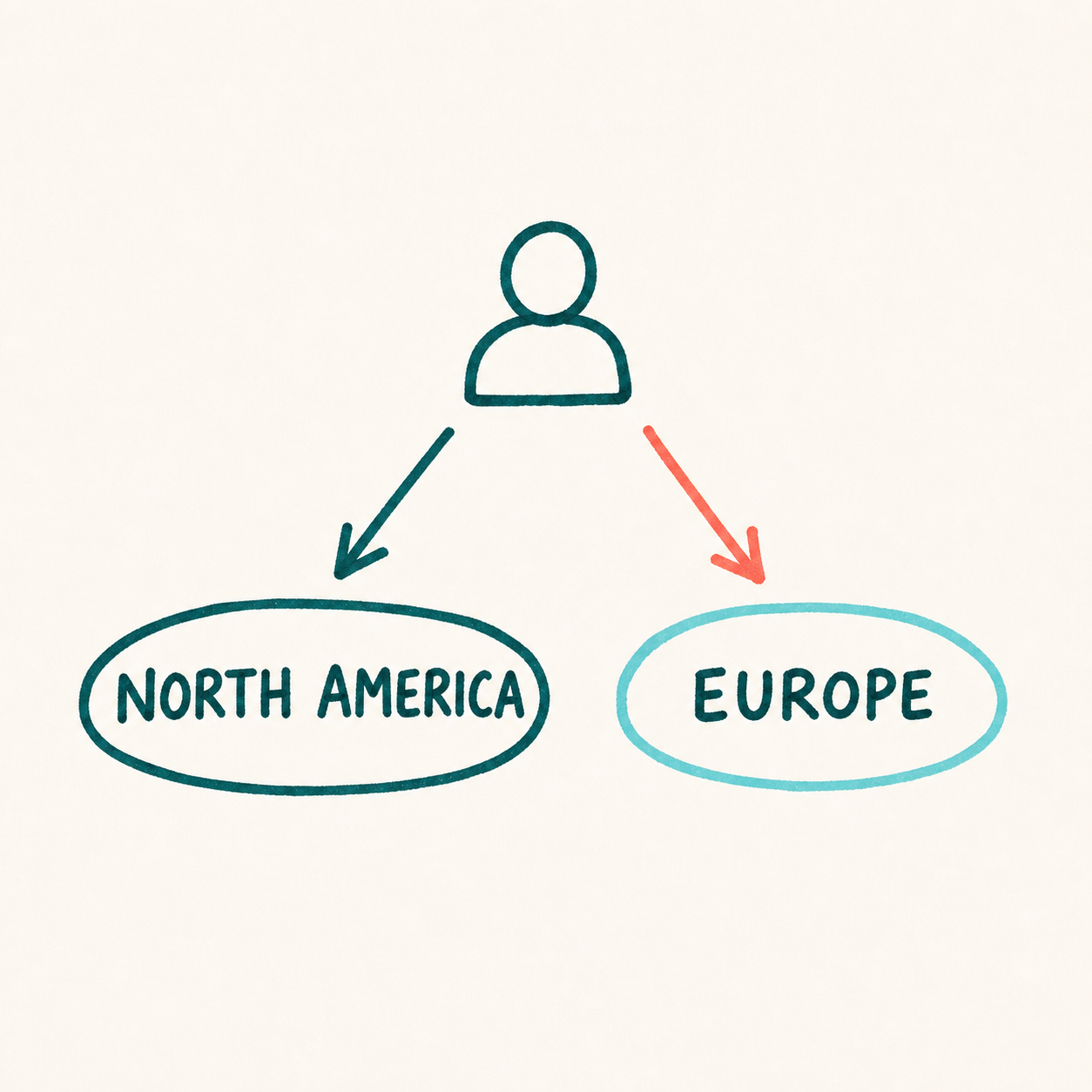
Choose Spreadconnect when your first buyers are concentrated in North America or Europe. Registration fixes the production region for that account.
Product ranges and print methods differ by region. Check the exact SKU in both catalogs before choosing an account.
Follow the SKU through one regional account
The regional order path
- 1
Buyer completes checkout
The point of sale records the retail payment under its own terms.
- 2
Spreadconnect finds the SKU
A valid mapped product imports into the Spreadconnect order page.
- 3
Payment and address are checked
The bank reserves the supplier amount before production can proceed.
- 4
The chosen region produces
The NA or EU account determines the available production facilities.
- 5
Dispatch completes the charge
Spreadconnect captures the amount at dispatch and returns order status.
A low retail price does not reduce the Spreadconnect bill. The supplier charge follows its product, print, shipping, and tax formula regardless of what the buyer paid.
Verify the order flow:
Commit to a region without trapping the catalog
- 1
Compare the two regional catalogs
Write down the first buyer country, exact product, available variants, print method, delivered cost, and expected delivery for both NA and EU.
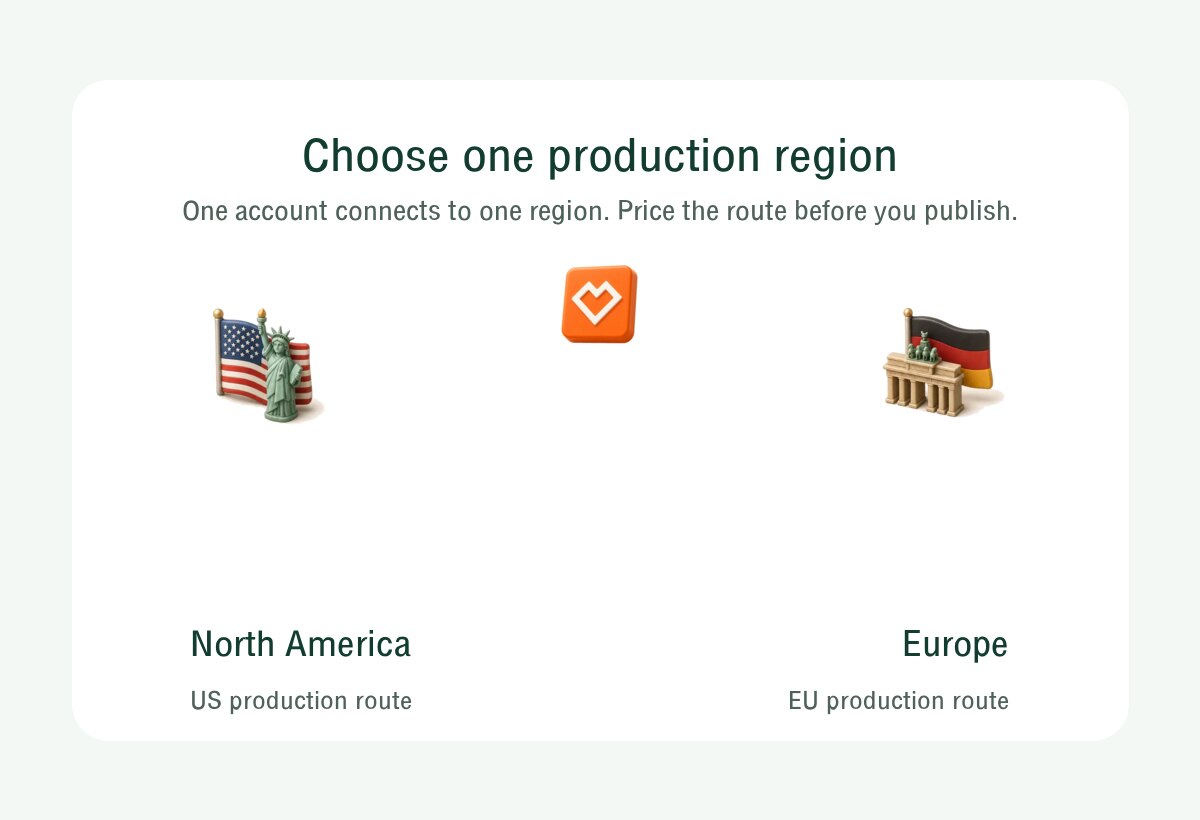
One account, one region: choose North America or Europe before connecting the store. Spreadconnect regional-account guide (opens in a new tab) - 2
Create the winning regional account
Do this only after the product and buyer region agree. Selling from both regions later requires two accounts and separate points of sale.
- 3
Connect one storefront
Choose a supported integration and confirm that it is attached to the intended regional account before creating products.
- 4
Publish one mapped SKU
Create the product, inspect every variant, and verify the Spreadconnect SKU. An unmapped SKU will not enter the fulfillment flow correctly.
- 5
Sample before automatic volume
Use one of the available sample orders, then watch the first live order move through authorization, production, dispatch, and tracking.
Keep the live workflow open while you set up:
Price every print area before setting retail
| Decision | What to verify |
|---|---|
| Fulfillment charge | Pay base product, print, shipping, and tax per order |
| Production route | Hybrid production. United States or Europe per account |
| Branding | White-label packaging; custom merchant packaging is unavailable. |
| Store connection | Etsy, Shopify, WooCommerce, TikTok Shop |
Run these checks with one exact product and destination:
- Use the price for the exact regional variant. NA and EU catalogs are not interchangeable.
- Add each extra print area, currently listed at $5 or 5 euros.
- Add the Flex, Special Flex, or Flock fee when the design uses that method.
- Record shipping, tax, store fees, discounts, and one replacement order.
- Keep enough balance for the authorization while the storefront payout is pending.
Check current costs and billing:
Use the sample allowance to test the chosen region
Order the version a buyer will receive, then record the result:
- Confirm the item came through the chosen NA or EU production setup.
- Check the blank, color, size, measurements, and listed regional variant.
- Inspect the print method, placement, resolution, fine lines, and color. Wash the item once.
- Read the parcel and confirm it is white label. Remove branding promises you cannot support.
- Record the reserved amount, captured amount, invoice, production time, tracking, and delivered cost.
Read the current sample or issue policy:
What one regional account cannot do
One storefront cannot connect to both a Spreadconnect NA account and a Spreadconnect EU account. A two-region plan therefore needs separate points of sale, not a routing toggle.
Packaging and inserts are white label, but custom merchant packaging and inserts are not currently available.
The formal issue policy covers qualifying misprints, damage outside delivery, or products that do not match the fulfillment information. A photo and explanation are due within 30 days of delivery; dissatisfaction and carrier delay alone are excluded.
Recheck the current limits before launch:
A few common questions
Is Spreadconnect the same company as SPOD?
SPOD rebranded to Spreadconnect. The official rebrand notice says the legal entity remains Spreadshirt Print On Demand GmbH and existing software processes continue.
Does Spreadconnect charge a monthly fee?
No recurring Spreadconnect fee is currently listed. Each order includes the base product, print, shipping, and tax, while the connected store may charge its own fees.
Can one Spreadconnect store fulfill from the US and Europe?
No. NA and EU require separate accounts, and the same point of sale cannot connect to both accounts.
Which stores integrate with Spreadconnect?
The current directory lists Etsy, Shopify, TikTok Shop US, WooCommerce, Squarespace, Shopware, Magento, Order Desk, JTL, and API access. Check the directory before choosing the regional account.
Does Spreadconnect discount sample orders?
Spreadconnect currently allows five discounted sample orders per calendar month. The limit counts orders rather than items, but the public help page does not state the discount amount.
Sources and screenshot credits
Show 12 official sources
- Spreadconnect getting started(opens in a new tab)
- Spreadconnect regional-account choice(opens in a new tab)
- Spreadconnect order import(opens in a new tab)
- Spreadconnect order-price calculation(opens in a new tab)
- Spreadconnect sample-order allowance(opens in a new tab)
- Spreadconnect(opens in a new tab)
- Spreadconnect packaging policy(opens in a new tab)
- Spreadconnect rebrand from SPOD(opens in a new tab)
- Spreadconnect account cost(opens in a new tab)
- Spreadconnect integrations(opens in a new tab)
- Spreadconnect payment timing(opens in a new tab)
- Spreadconnect return policy(opens in a new tab)

Get updates for this guide.
Keep up to date with news and announcements from the print-on-demand industry.