
How to sell on Fourthwall: from blank store to first sample
Fourthwall bundles a hosted shop, checkout, fulfillment, and creator tools. You set up faster, but more of the customer journey stays on one platform.
Checked July 25, 2026 by POD Starter
Volatile-fact review due
Fees, integrations, locations, or policies may have changed since the displayed check date. Open the linked official sources before acting.
What Fourthwall replaces
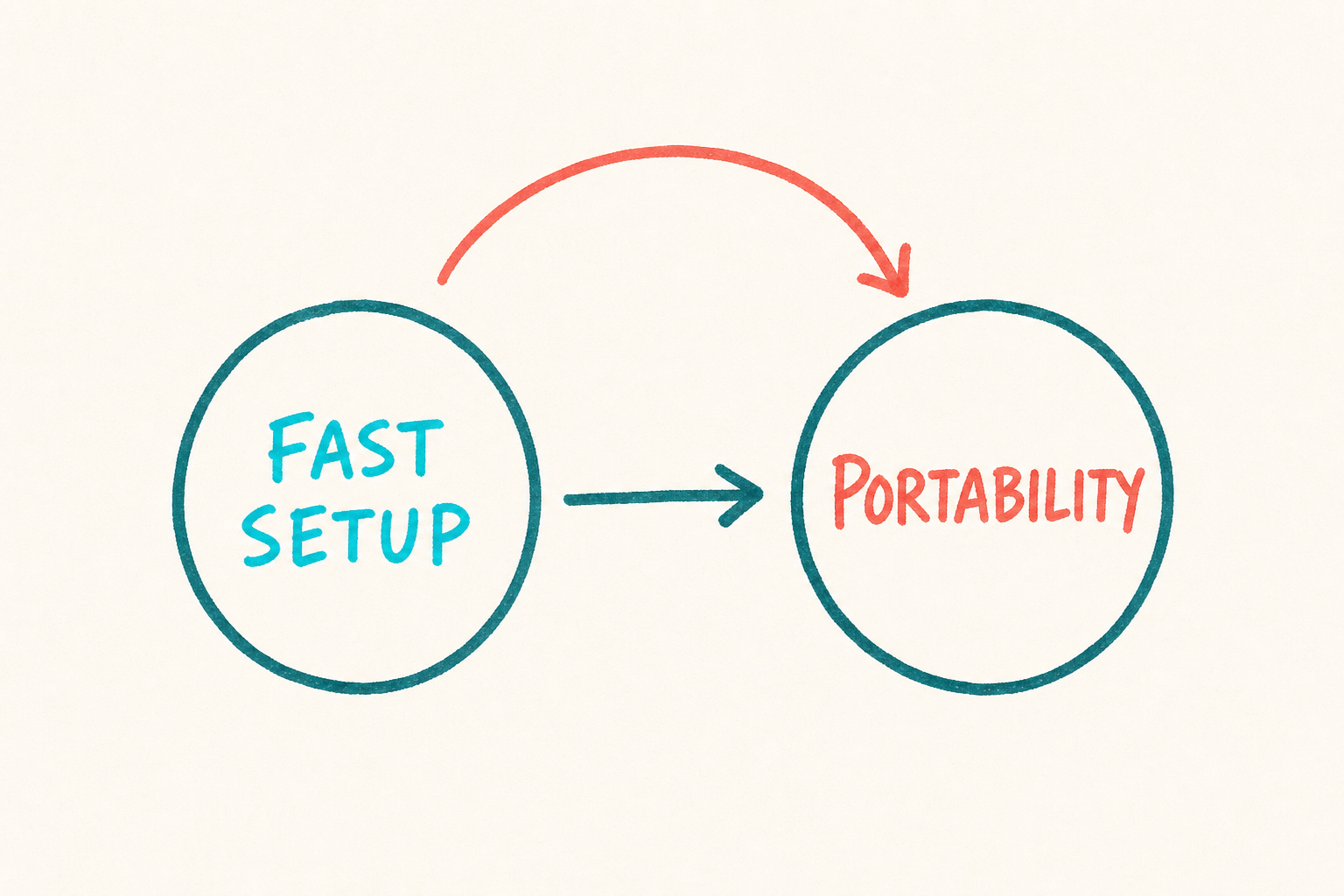
Fourthwall combines a hosted storefront, checkout, product catalog, print-on-demand fulfillment, and creator features such as memberships. A supplier such as Printify expects you to bring the store; Fourthwall includes it.
It fits a YouTube, streaming, podcast, or social audience that already knows the creator. It fits less well when the main asset is an independent store that needs to move between suppliers.
What Fourthwall puts in one stack
- 1
Audience
A creator brings supporters to the hosted shop.
- 2
Checkout
Fourthwall handles the order and payment methods.
- 3
Fulfillment
The selected route makes and ships the product.
- 4
Creator payout
Eligible earnings follow the platform payout schedule.
Fourthwall fees and payouts
For domestic card payments, Fourthwall's official fee page currently lists 2.9% plus $0.30. International cards, PayPal, and buy-now-pay-later methods use different rates. Check the live table for the buyer mix you expect.
Creator payout is monthly for the prior month's eligible earnings. Fourthwall says payouts normally begin by the third business day when the balance exceeds the current $25 threshold. Bank, Stripe, country, and currency timing can add days.
Start with the buyer's payment, subtract manufacturing and payment fees, then check the payout threshold and schedule. The payout is a separate number from the sale total.
| Money event | Who handles it | What to check |
|---|---|---|
| Buyer checkout | Fourthwall | Payment method, currency, tax, and shipping |
| Product production | Fourthwall fulfillment route | Base cost, product type, and destination |
| Creator earnings | Fourthwall account | Margin after product and applicable fees |
| Payout | Configured payout account | Threshold, monthly timing, and bank delay |
Verify the live numbers:
Create the first Fourthwall product
- 1
Open the shop and finish account settings
Set the shop identity, support details, payout information, policies, domain choice, and public navigation before sending traffic.
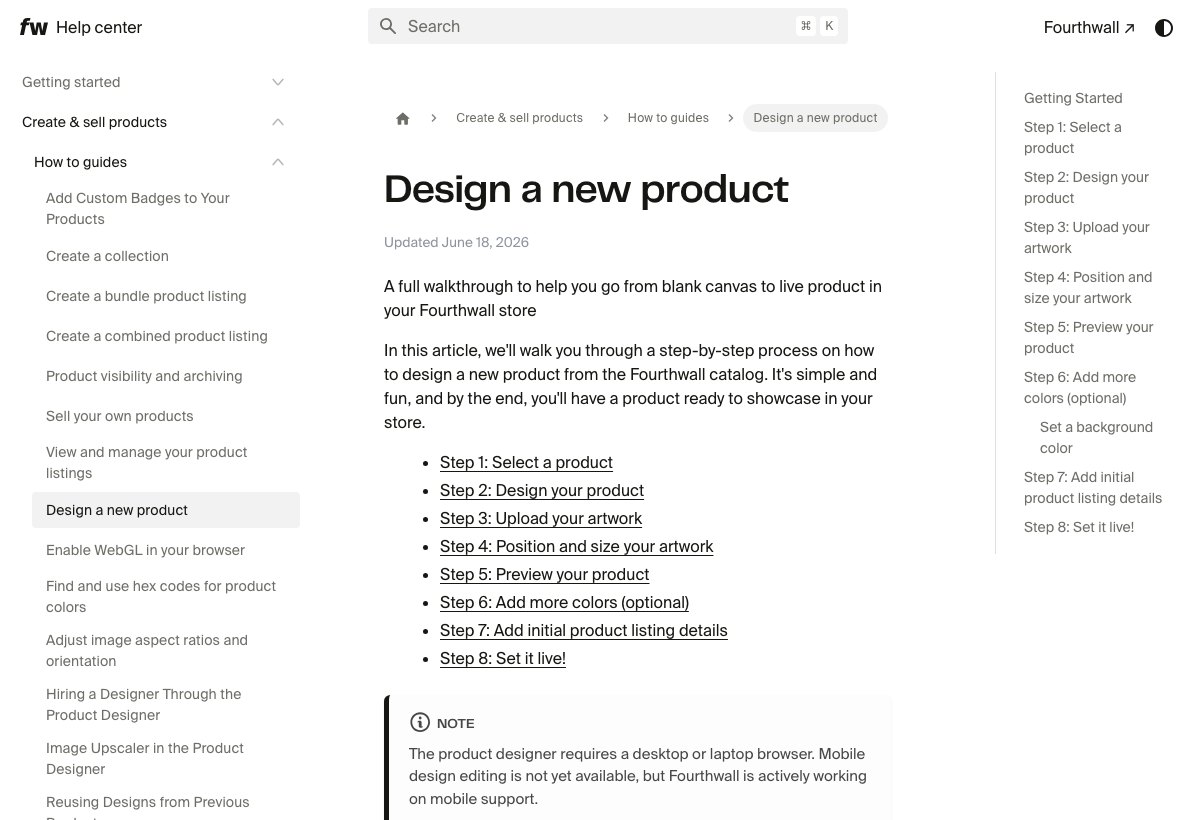
Fourthwall's product guide walks through choosing a product, adding artwork, and publishing it. Fourthwall product-design guide (opens in a new tab) - 2
Choose one print-on-demand item
Confirm it is made on demand. Some bespoke or non-POD products can have minimum quantities, so do not describe the entire catalog as inventory-free.
- 3
Design from a desktop or laptop
Fourthwall's product designer is currently a desktop workflow. Use the exact template, check every side, and preview all enabled colors.
- 4
Set product details and margin
Write an original title and description. Price from the base cost, payment fee, likely discount, tax treatment, and a margin that still works after support problems.
- 5
Configure the public product page
Check images, variants, size information, shipping regions, delivery estimate, and what happens when a destination is unsupported.
- 6
Publish, then buy it yourself
Use the same checkout a supporter will use. Record taxes, shipping, email receipts, tracking, packaging, and the delivered product.
Order a sample that can change your decision
A discount or sample credit lowers the cost of a test. The test still needs to prove the public checkout, destination, product, packaging, tracking, and delivered total work as expected.
- Check the final checkout total and creator margin
- Record production and carrier time separately
- Inspect print, material, placement, sizing, and finish
- Read the receipt, tracking emails, packing slip, and return address
- Test the product after normal use or washing
- Ask whether the storefront and product feel like the same brand
Sources for this section
Is Fourthwall worth it?
Fourthwall fits when:
- An audience already follows the creator
- A hosted shop is more useful than store portability
- Merchandise and memberships belong in one creator experience
- The exact product and destination produce a workable margin
Use a separate store and supplier when:
- You need full ownership of the commerce stack and customer journey
- You want to switch suppliers without changing the storefront
- A marketplace, search strategy, or custom app is the main acquisition engine
The extra tools matter only when they replace work you would otherwise set up and maintain.
Fourthwall launch checklist
- Payout account verified
- Support and policy pages complete
- One exact POD product configured
- Margin checked after base cost and payment fees
- Buyer-country shipping tested
- Exact sample ordered and inspected
- Mobile checkout completed
- Tracking and support replies prepared
A few common questions
Is Fourthwall free to use?
Fourthwall has a free plan. It currently charges no platform transaction fee on physical products, but manufacturing cost and payment-processing fees still apply.
How do Fourthwall creators get paid?
Fourthwall pays eligible prior-month earnings on a monthly schedule when the account meets the current payout threshold. Bank, Stripe, country, and currency timing can affect arrival.
Do I need Shopify to use Fourthwall?
No. Fourthwall includes a hosted storefront and checkout, so Shopify is not required.
Does Fourthwall require inventory?
Its print-on-demand items are produced after purchase and do not require stock. Some bespoke or non-POD catalog options may have minimum quantities, so check the exact product.
Can Fourthwall ship worldwide?
Shipping coverage varies by product and fulfillment partner. The live checkout for the exact item and destination is the reliable check.
Sources and screenshot credits
Show 6 official sources

Get updates for this guide.
Keep up to date with news and announcements from the print-on-demand industry.