
How to sell with Lulu Direct after the PDF looks finished
A valid PDF still needs a customer-facing test. Check the book, store mapping, seller payment, packing slip, production route, and tracking in one order.
Checked July 25, 2026 by POD Starter
Volatile-fact review due
Fees, integrations, locations, or policies may have changed since the displayed check date. Open the linked official sources before acting.
Who needs a book workflow rather than a merch catalog
Choose Lulu Direct for books, journals, workbooks, magazines, calendars, and other bound products sold through your own checkout. Native connections cover Shopify, Wix, and WooCommerce; the Print API handles custom systems and per-order personalization.
Lulu Direct prints bound products rather than general merchandise. You own the storefront sale and customer relationship, then pay Lulu to print and fulfill the connected project.
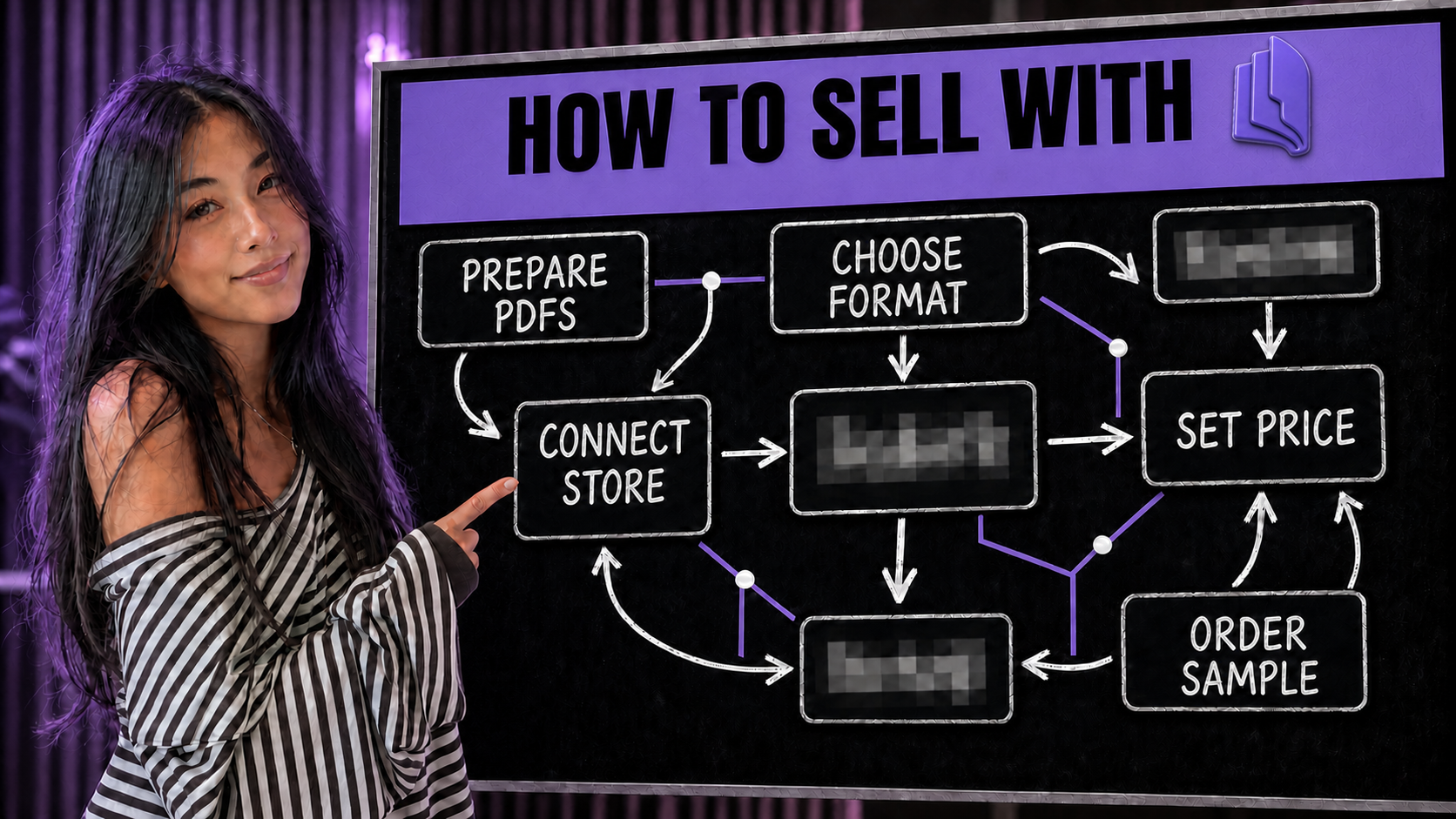
Trace one reader order into the print network
The storefront proof route
- 1
Reader pays the store
The ecommerce platform records the retail payment and marks the order paid.
- 2
The order transfers to Lulu
Valid customer, address, phone, product, and shipping data enter Channel Orders.
- 3
You accept or automate payment
Lulu charges print, shipping and handling, fulfillment, and applicable tax.
- 4
The production delay runs
The order can be canceled during the configured delay, not after printing begins.
- 5
The network prints and ships
Lulu selects a capable facility, then returns shipment status and available tracking.
A customer refund in the storefront does not erase a Lulu order already in production. Keep the production delay long enough to catch address or mapping errors, and teach support staff to check both systems.
Verify the order flow:
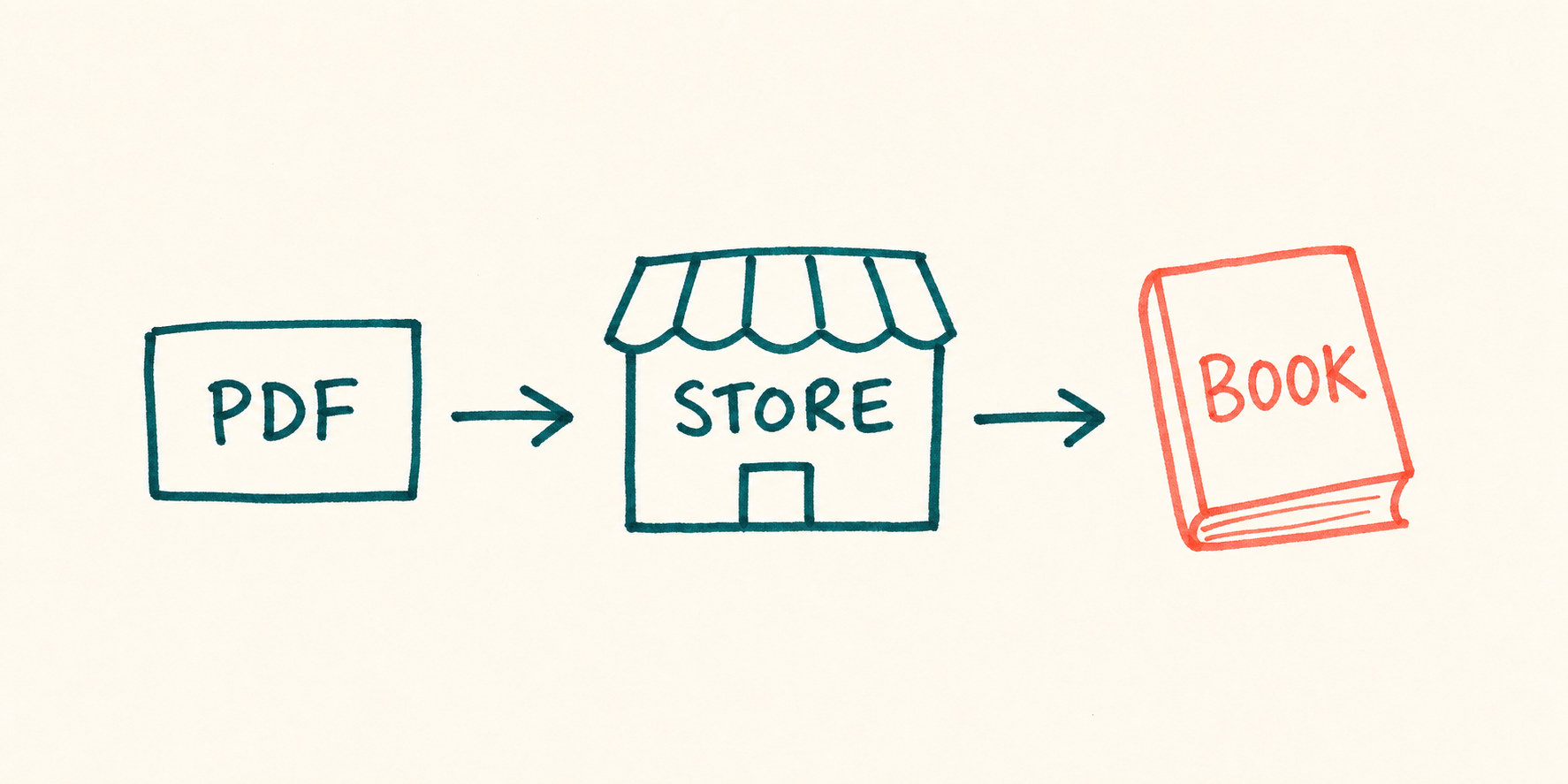
Turn the finished PDF into a working storefront
- 1
Finish the physical specification
Prepare separate interior and cover PDFs, then lock trim, page count, ink, paper, binding, cover finish, bleed, and spine. The project must be published before it can map to a store product.
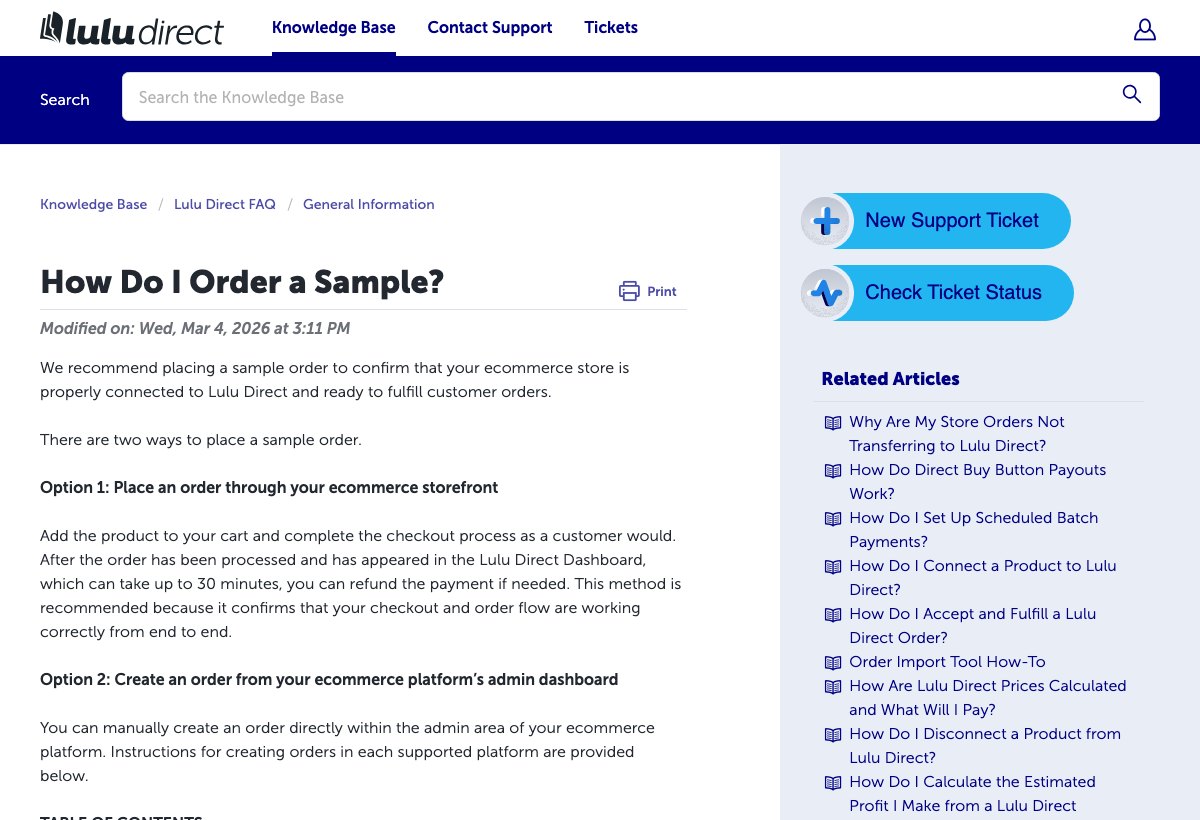
Lulu Direct recommends a sample to test the storefront checkout and the order reaching the dashboard. Lulu Direct sample-order guide (opens in a new tab) - 2
Price the whole order
Use the live calculator for the exact book and buyer country. Add print, shipping and handling, fulfillment fee, tax, store fees, refunds, and the margin the project needs.
- 3
Connect and map one product
Link Shopify, Wix, or WooCommerce, then map the exact Lulu project. Create and map separate published projects for format variants rather than treating one file as every edition.
- 4
Set payment, delay, and packing slip
Add the card, choose manual or automatic fulfillment, set the production delay, and upload the black-and-white packing-slip logo with the correct return address.
- 5
Buy through the public checkout
Place a paid order as a reader would. Confirm transfer, project mapping, Lulu charge, physical book, packing slip, shipping email, tracking, and delivery before announcing the release.
Keep the live workflow open while you set up:
Price every charge between checkout and delivery
| Decision | What to verify |
|---|---|
| Fulfillment charge | Pay printing, fulfillment, and shipping per order |
| Production route | Network production. Global print network |
| Branding | White-label fulfillment and customizable packing slips. |
| Store connection | Shopify, WooCommerce |
Run these checks with one exact product and destination:
- Add print cost, shipping and handling, Lulu's fulfillment fee, applicable tax, ecommerce fees, discounts, and a replacement reserve.
- Calculate each binding, ink, paper, and page-count variant separately. Every published project has its own print cost.
- Keep enough card capacity to fund Lulu before the store payout clears, especially during a launch spike.
- Model the main domestic destination and one international destination. The print route and shipping quote can change.
- Use Lulu's detailed pricing page. It includes a fulfillment fee and applicable taxes that the broad summary leaves out.
Check current costs and billing:
Proof the book and the sales channel in one order
Order the version a buyer will receive, then record the result:
- Check trim, binding, page order, margins, gutter, bleed, page numbers, and blank pages.
- Inspect cover crop, color, finish, spine width and centering, and barcode placement.
- Review text density, image resolution, black or color reproduction, show-through, and paper feel.
- Verify the monochrome packing-slip logo, return address, absence of prices, packaging protection, and visible branding.
- Record checkout, dashboard transfer, Lulu charge, production delay, print time, facility route, tracking email, transit, and delivery.
Read the current sample or issue policy:
What Lulu will not fix after the launch
Lulu Direct is free to connect. Fulfillment also includes shipping and handling, a fulfillment fee, and applicable taxes.
Lulu selects the print facility from the book and destination. You cannot choose a plant or promise the same press, route, or production country for every copy.
Lulu Direct does not accept ordinary returns. It can replace qualifying damaged, defective, incorrectly packaged, or missing orders reported within the policy window. Author spelling, formatting, design, and content mistakes are excluded.
Lulu's Buy Button and Direct Checkout documentation is limited to eligible US merchants and uses conflicting merchant-of-record wording. Check the live terms before making legal or payment claims.
Prodigi can cover some photo and art books, and Printify covers notebook-style merchandise. Compare the exact interior, binding, and project workflow before switching.
Recheck the current limits before launch:
A few common questions
Is Lulu Direct free to use?
Lulu Direct is free to connect. Each fulfilled order can include print, shipping and handling, a fulfillment fee, and applicable tax, alongside the merchant's store costs.
Which stores connect to Lulu Direct?
Lulu Direct has native workflows for Shopify, Wix, and WooCommerce. It also provides a Print API for custom systems and an Order Import tool for batches.
Where will Lulu Direct print my book?
Lulu routes orders through a global network with facilities in countries including the United States, Canada, the United Kingdom, France, Australia, and India. The seller cannot select the printer.
How should I order a Lulu Direct sample?
Buy through the connected storefront. That single order tests checkout, project mapping, payment, printing, and shipment; a dashboard order does not test the full path.
Does Lulu Direct accept book returns?
It does not accept ordinary returns. Qualifying damaged, defective, incorrectly packaged, or missing orders can receive a replacement, but author content and formatting mistakes are not covered.
Sources and screenshot credits
Show 12 official sources
- Lulu Direct per-order pricing(opens in a new tab)
- Lulu Direct overview and integrations(opens in a new tab)
- Lulu Direct automatic payment(opens in a new tab)
- Lulu Direct storefront sample(opens in a new tab)
- Lulu Direct store connection(opens in a new tab)
- Lulu Direct order-transfer requirements(opens in a new tab)
- Lulu Direct production delay(opens in a new tab)
- Lulu Direct custom packing slip(opens in a new tab)
- Lulu global production and shipping(opens in a new tab)
- Lulu Direct return policy(opens in a new tab)
- Lulu Direct damage and non-arrival policy(opens in a new tab)
- Lulu Direct Buy Button and Direct Checkout(opens in a new tab)

Get updates for this guide.
Keep up to date with news and announcements from the print-on-demand industry.