How to sell art prints with Prodigi
Prodigi makes the most sense when paper, finish, frame, and print route matter as much as the artwork. That makes the sample more important, not less.
Checked July 25, 2026 by POD Starter
Volatile-fact review due
Fees, integrations, locations, or policies may have changed since the displayed check date. Open the linked official sources before acting.
When Prodigi belongs on the shortlist
Prodigi focuses heavily on fine-art prints, photographic products, frames, and wall decor. If the printed object is central to the work, that specialist catalog is more useful than a broad catalog with only a thin art range.
It also means there are more choices to get wrong. Two papers with the same artwork can feel like different products. Choose the physical specification before writing the listing.
Sources for this section
Understand the Prodigi order flow
Prodigi supports manual orders, CSV, an API, and direct integrations. The storefront collects the customer payment. Prodigi charges the saved card or PayPal account when production begins.
Several integrations work by importing or mapping a product that already exists in the store. Do not assume every listing can be designed inside Prodigi and pushed outward in one click.
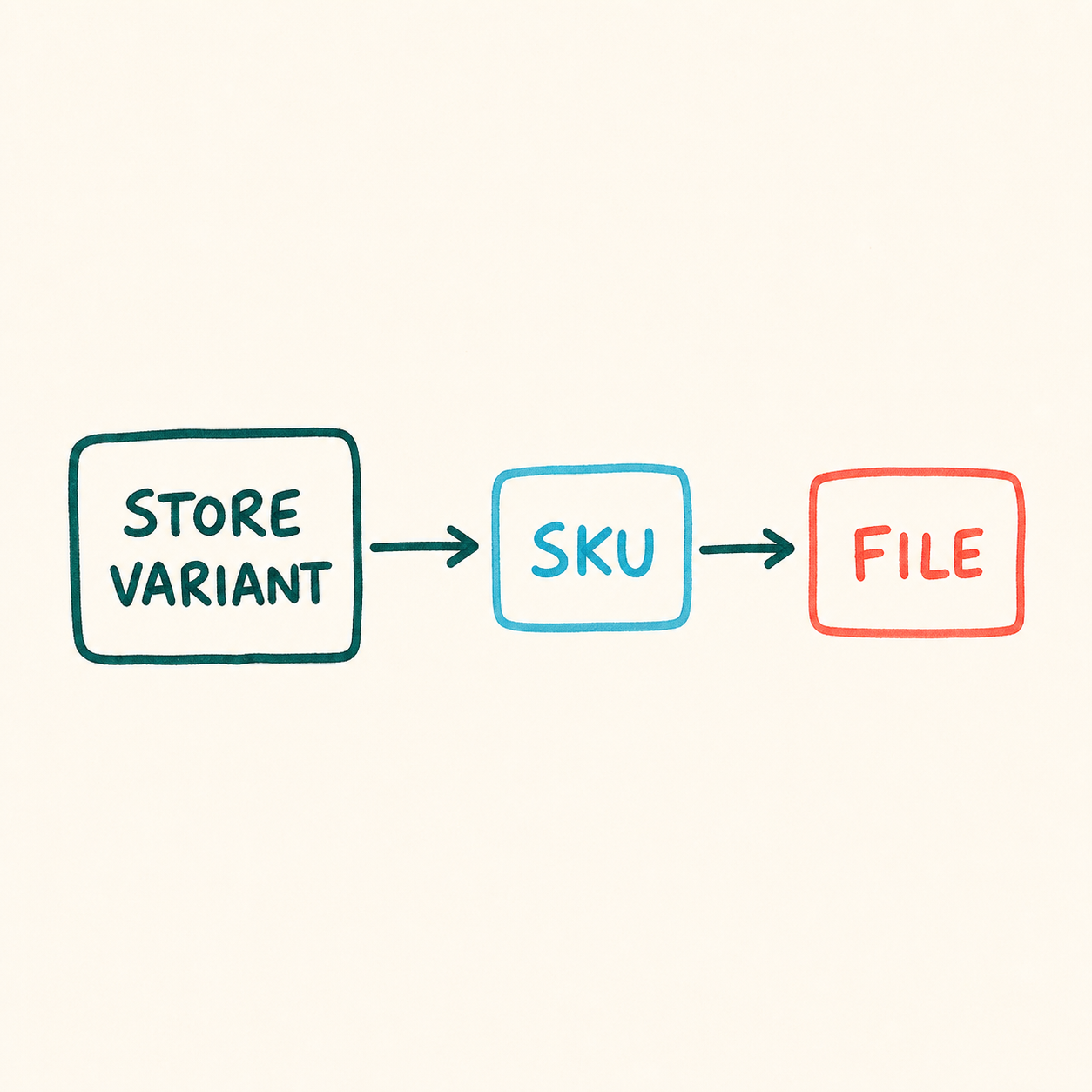
Map the store product before production
- 1
Store variant
The size, finish, frame, and orientation the buyer sees.
- 2
Prodigi SKU
The physical specification assigned to that variant.
- 3
Print file
The correctly cropped file for that exact specification.
- 4
Paused check
One last review before the order enters production.
Set up the first Prodigi listing
- 1
Choose one product specification
Record the SKU, material, finish, size, orientation, frame or mount, print area, and buyer destination.
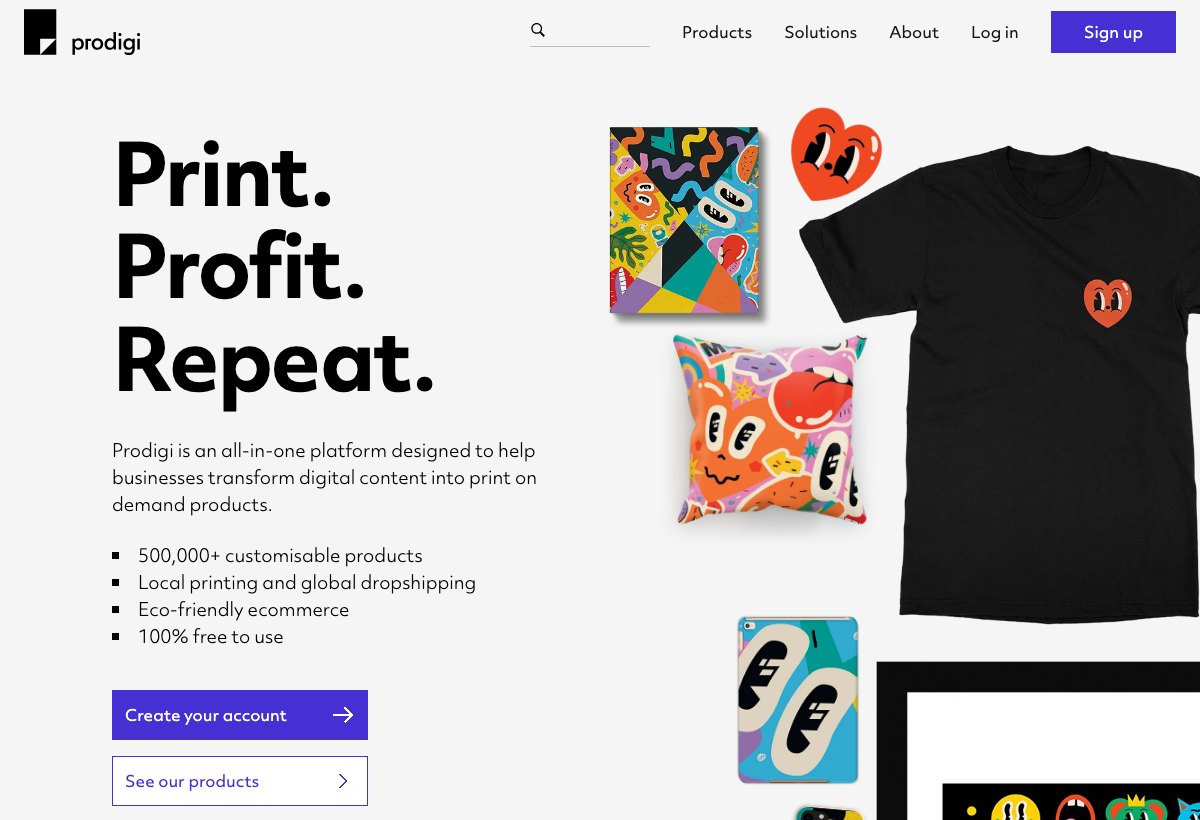
Prodigi's catalog view: the product still needs an exact SKU, finish, and route check. Prodigi official site (opens in a new tab) - 2
Create the store listing
Write the public product accurately, with mockups that match the exact format and variants you will map.
- 3
Import or map the product
Match every store variant to the correct Prodigi SKU. Remove store options that have no valid fulfillment mapping.
- 4
Upload the production file
Use the current template and check pixels, aspect ratio, bleed, crop, and color expectations at every enabled size.
- 5
Set pricing and shipping
Include product, finish, frame, shipping, tax, marketplace fees, currency conversion, possible customs, and a replacement reserve.
- 6
Run a manual or paused test order
Inspect the imported address, SKU, artwork, route, and charged amount before releasing it.
Sources for this section
Price wall art without hiding the expensive variant
Large sizes and frames can change product and shipping costs sharply. A store-wide percentage markup can produce an attractive small print and a badly priced large frame.
Calculate each meaningful variant. If a large format cannot support its cost, remove it instead of hoping the small format's margin will average out.
- Product and print cost by size
- Frame, mount, or finish surcharge
- Destination shipping
- Marketplace and payment fees
- Currency conversion and possible customs
- Damage or replacement allowance
Sources for this section
Sample the material, not just the image
- Inspect paper texture, coating, density, and surface glare
- Compare crop and border with the submitted file
- Check dark detail, gradients, neutrals, and skin tones where relevant
- Inspect frame corners, glazing, mount, fixings, and protection
- Record production origin, parcel condition, and customs messages
- Photograph any damage before unpacking further
A generic art-print sample is not enough. Test the exact finish and size you expect to sell most.
Sources for this section
Cancellations, defects, and customs
Once an order enters production, a product-cost cancellation refund is generally unavailable. Production issues need evidence and should be reported inside Prodigi's current claim window.
International production does not guarantee duty-free delivery. Tell buyers when customs or import charges may be their responsibility, and avoid promising a route you cannot control.
Sources for this section
A few common questions
Does Prodigi charge a monthly fee?
Prodigi has no required setup or monthly fee on its standard account. Prodigi Pro is optional, and its current price is shown in the account dashboard.
How do I place orders with Prodigi?
You can place orders manually, by CSV, through the API, or with supported store integrations.
Does Prodigi integrate with Etsy and Shopify?
Yes. Prodigi supports Etsy, Shopify, TikTok, Wix, WooCommerce, Squarespace, BigCommerce, and Adobe Commerce integrations.
When does Prodigi charge me?
Prodigi charges the saved payment method when an order enters production. Your store's customer payout is separate.
Is Prodigi good for art prints?
Prodigi is a strong option for art and photo sellers because it has a deep range of papers, print formats, frames, and wall products. The exact finish and route still need a sample.
Sources and screenshot credits

Get updates for this guide.
Keep up to date with news and announcements from the print-on-demand industry.