
How to sell with ShineOn without guessing on personalization
ShineOn makes a gift feel more personal than a standard printed shirt. It also gives you more ways to get an order wrong before production starts.
Checked July 25, 2026 by POD Starter
Volatile-fact review due
Fees, integrations, locations, or policies may have changed since the displayed check date. Open the linked official sources before acting.
Use ShineOn for a gift angle, not a giant catalog
ShineOn specializes in jewelry, message cards, gift packaging, and buyer-supplied personalization on eligible products.
That makes sense when you already know the recipient and occasion. A narrow promise such as a graduation gift for a daughter is easier to design, price, and test than a storefront full of unrelated jewelry.
Use a general provider instead if you mainly need apparel, wall art, or easy supplier switching. ShineOn asks you to build the offer around its product format.
Protect the personalization handoff
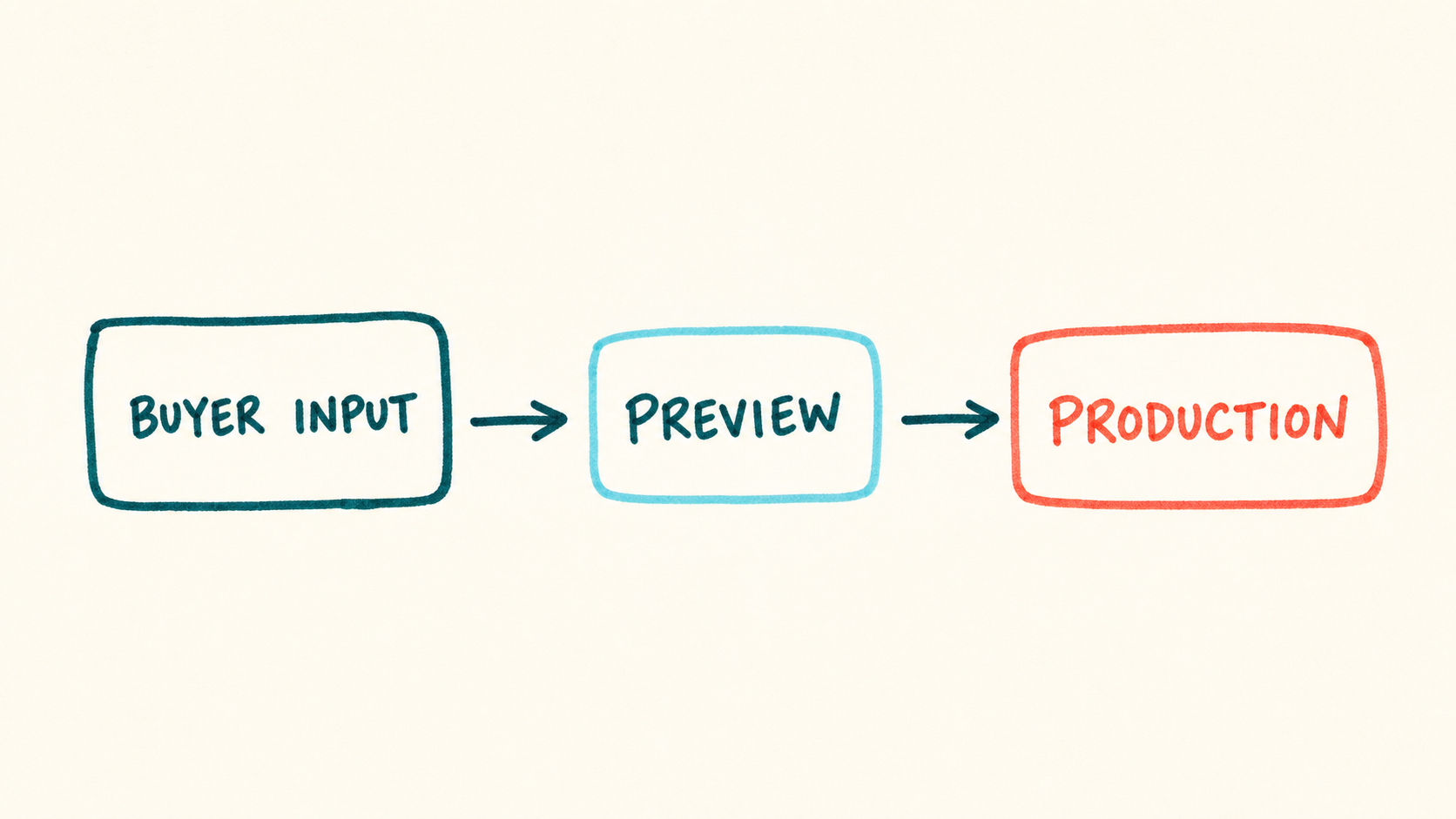
Where a personalized order can fail
- 1
Buyer submits details
Your store collects the selected product and any personalization.
- 2
Store sends the order
The integration passes the order to ShineOn and the base cost is charged.
- 3
ShineOn personalizes
The chosen artwork, message card, and eligible buyer details enter production.
- 4
Package ships
ShineOn packs and sends the finished gift to the delivery address.
ShineOn's terms say an order may not be editable or cancelable after confirmation. Test every required field and write down how you will stop a bad order before it reaches production.
Verify the order flow:
Build one listing that is hard to mis-order
- 1
Pick one recipient and occasion
Start with a real buying situation, such as a birthday gift from a parent. This keeps the product, message, and search intent aligned.

ShineOn's seller page is a reminder that a product is an offer, not just a mockup. ShineOn seller page (opens in a new tab) - 2
Open the seller account
Use the free account first. Ignore paid training and plan upgrades until one product has passed a complete order test.
- 3
Connect one direct channel
ShineOn currently presents Shopify and Etsy as direct integrations. Confirm the live connection available to your account before building listings.
- 4
Build the smallest valid product
Choose one item, finish, box, message card, and personalization path. Extra variants create extra ways to miss a price or field mapping.
- 5
Submit a deliberately awkward test
Use the longest allowed name, an accented character, and the smallest card text you would accept. Confirm that the preview and production data agree.
- 6
Publish only the tested configuration
Disable untested finishes, boxes, and personalization options. Add them after each version has its own cost and quality record.
Keep the live workflow open while you set up:
Price the whole gift
| Decision | What to verify |
|---|---|
| Fulfillment charge | Base product cost charged after a sale |
| Production route | In-house production. United States · Europe |
| Branding | Custom inserts and presentation boxes. |
| Store connection | Etsy, Shopify |
Run these checks with one exact product and destination:
- Record the live base cost for the exact jewelry finish and product variant.
- Add the selected box, message card, engraving, and other paid options.
- Quote shipping for the buyer country. Ignore headline delivery claims.
- Include storefront, payment, tax, and currency-conversion costs.
- Keep enough cash to fund the fulfillment charge before your store payout clears.
- Reserve margin for a remake or refund that the current support policy may not cover.
Check current costs and billing:
Test the card, jewelry, box, and order data
Order the version a buyer will receive, then record the result:
- Check every personalization field for the right spelling.
- Make sure the message card remains readable at its printed size.
- Confirm the jewelry finish and clasp match the product description.
- Check that the box, insert, packing slip, and parcel match the promised experience.
- Compare tracking and delivery timing with the route shown at checkout.
- Find the dashboard path for reporting a defect or shipping problem.
Read the current sample or issue policy:
Do not guess what support will cover
ShineOn's public pages describe the seller model, integrations, products, and fulfillment. They do not define one remedy for every defect, personalization error, lost parcel, or buyer return.
Before launch, open the issue policy in your account or ask seller support for the claim window, required evidence, refund method, and buyer-remorse responsibility. Save the dated answer and use it for your customer policy.
A message-card product may not map neatly to another supplier. Keep the artwork, card copy, personalization rules, and product photos outside the platform.
Compare the closest alternatives:
Recheck the current limits before launch:
A few common questions
Does ShineOn cost money to start?
ShineOn's seller pages say you can publish products with its free app and pay the base product cost after a sale. A real launch still needs cash for the fulfillment charge, shipping, storefront fees, samples, taxes, and possible customer remedies.
Can ShineOn connect directly to Shopify or Etsy?
ShineOn's current public seller and partner pages describe direct Shopify and Etsy integrations. Check the seller dashboard for the exact publishing, order-sync, and personalization features available to your account.
How should I test ShineOn personalization?
Use one product for one recipient and occasion. Test the longest allowed name, an accented character, and the smallest card text before adding more options.
Does ShineOn offer a sample discount?
The public core-plan pages reviewed for this guide do not establish a standing sample discount for every seller. Price a paid test order for the exact configuration and check the dashboard for any current account-specific offer.
Will ShineOn refund every damaged or incorrect order?
Do not promise that. ShineOn's public terms cover some shipping and cancellation conditions, but they are not a complete current defect policy for every product. Verify the live claim window, evidence, and remedy in your dashboard or with support.
Sources and screenshot credits
Show 9 official sources
- ShineOn sellers(opens in a new tab)
- ShineOn pricing and order model(opens in a new tab)
- ShineOn personalized product examples(opens in a new tab)
- ShineOn terms of service(opens in a new tab)
- ShineOn selling-channel partners(opens in a new tab)
- ShineOn(opens in a new tab)
- Sell personalized goods with ShineOn(opens in a new tab)
- ShineOn seller account page(opens in a new tab)
- ShineOn seller resources(opens in a new tab)

Get updates for this guide.
Keep up to date with news and announcements from the print-on-demand industry.