How to sell with teelaunch before an order locks
teelaunch makes a mixed catalog easy to publish. The bill and parcel can split as soon as the cart mixes product types.
Checked July 25, 2026 by POD Starter
Volatile-fact review due
Fees, integrations, locations, or policies may have changed since the displayed check date. Open the linked official sources before acting.
Who should accept a product-by-product route
Choose teelaunch when one store needs apparel alongside drinkware, wall art, or gifts. Its main site lists production locations in the US, UK, Czech Republic, and Australia.
teelaunch does not publish a complete public SKU-to-facility map. Check each product's production estimate, shipping rule, branding support, and sample.
Follow the hold before the factory gets the file
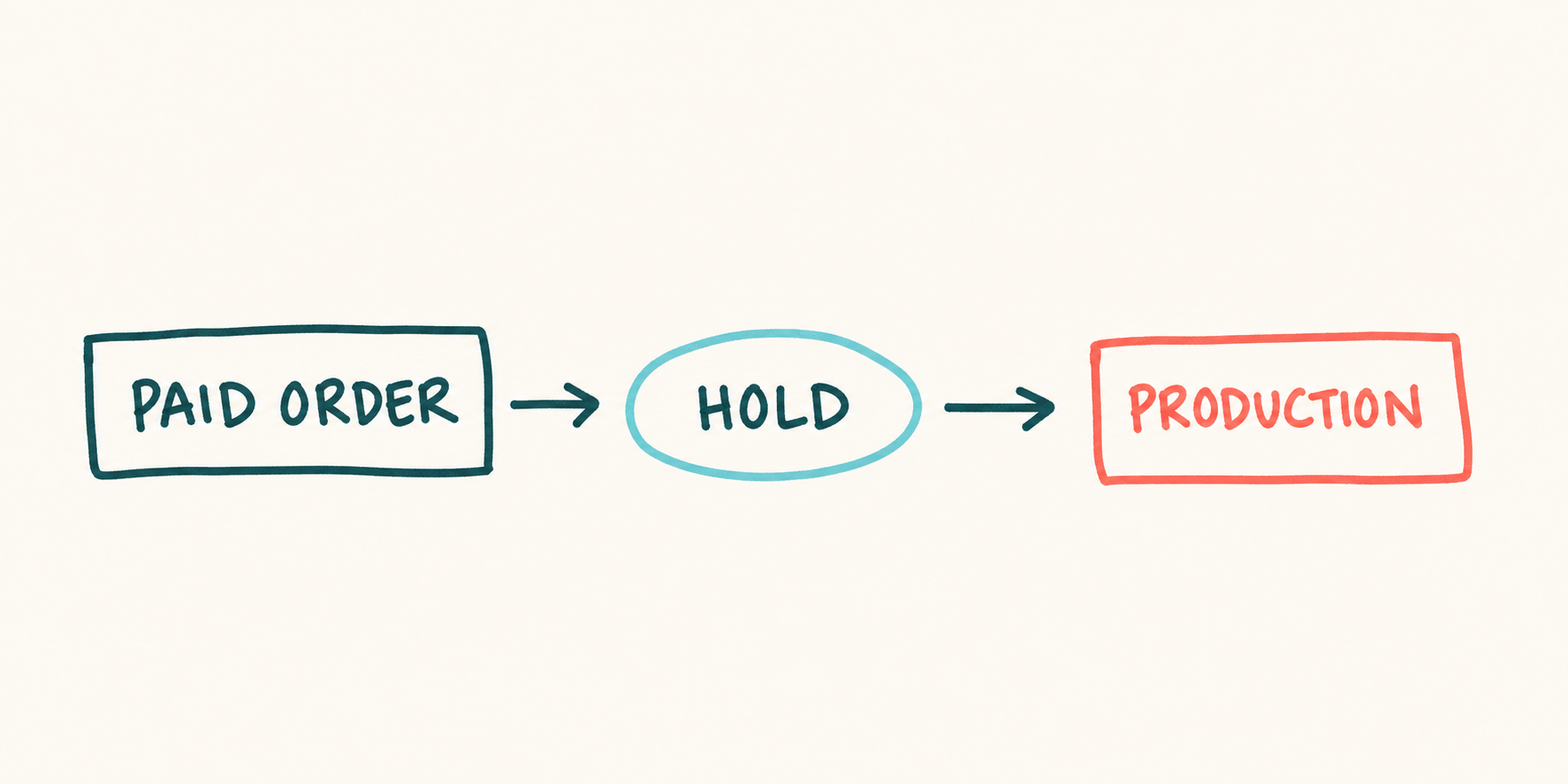
The hold before production
- 1
Buyer pays the store
A supported channel records the sale and sends the order to teelaunch.
- 2
The order waits
The documented default is a 24-hour hold, with other approval settings available.
- 3
You review and release
Pending orders can still accept several file, address, or product changes.
- 4
A facility produces the SKU
Once production begins, changes and cancellation may no longer be possible.
- 5
Packages and tracking return
Different product types can ship separately with their own tracking.
A marketplace cancellation does not cancel teelaunch's copy of the order. Check both systems before releasing a refund, and keep approval manual until that habit is reliable.
Verify the order flow:
Build a launch that can still be stopped
- 1
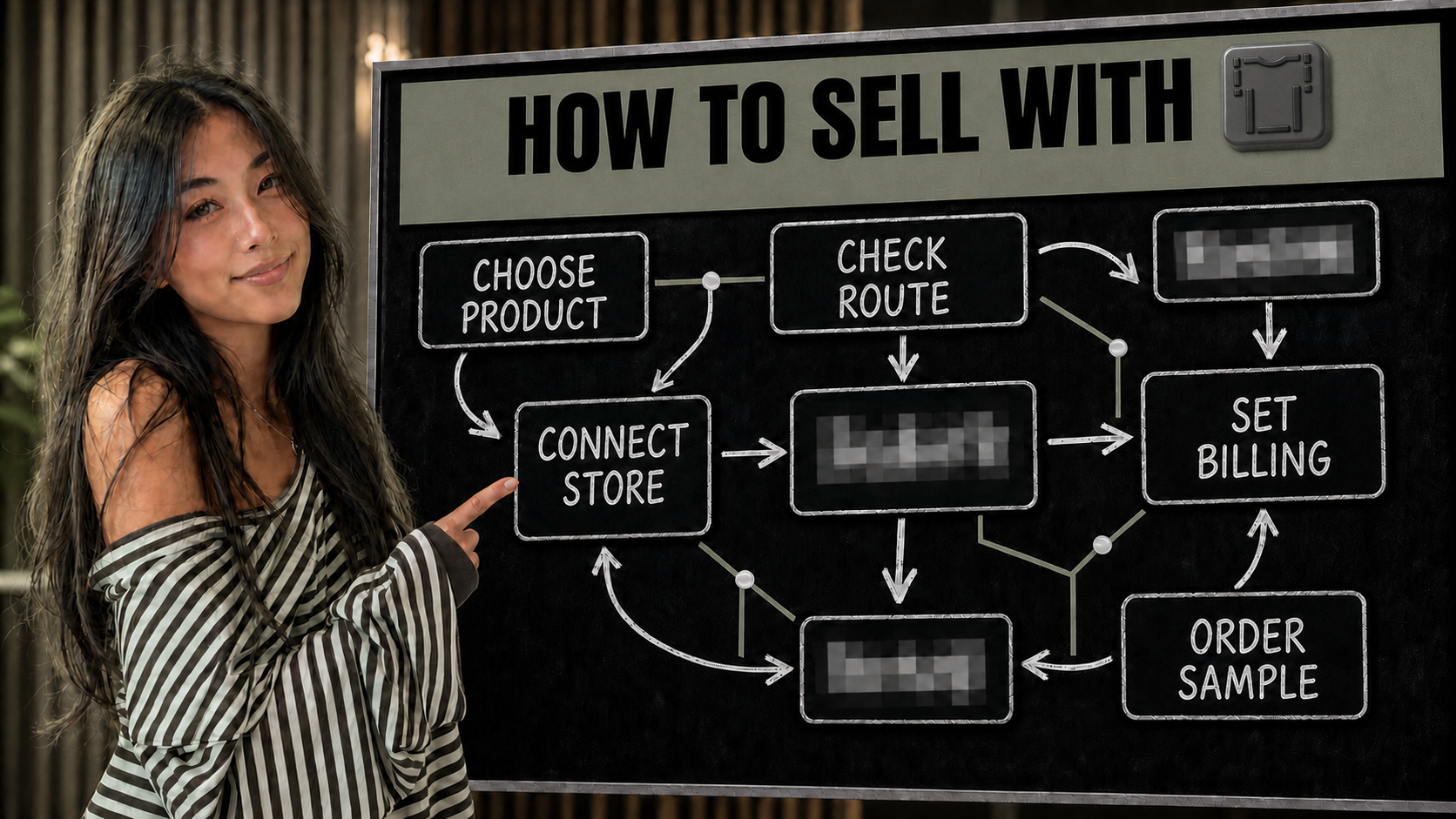
Connect the store and billing
Use a supported storefront, then register Stripe or PayPal. teelaunch currently allows one active payment method at a time.
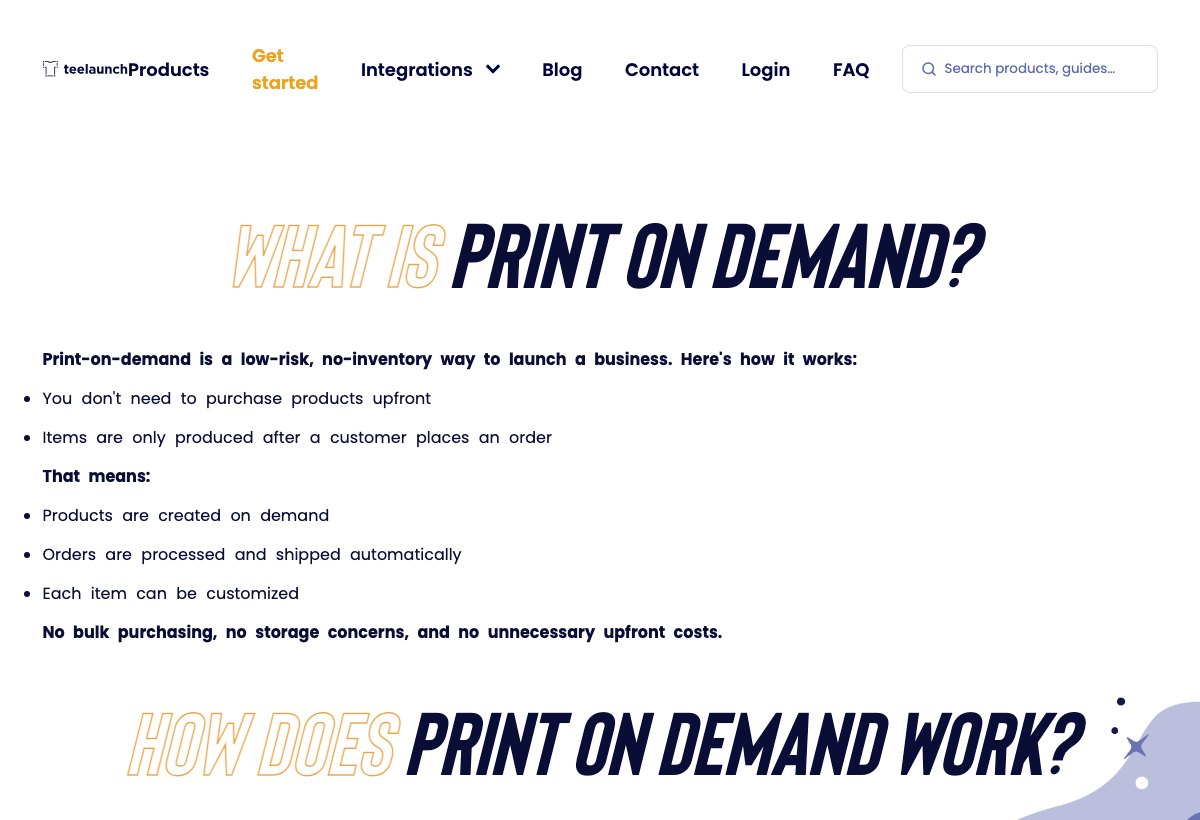
teelaunch's getting-started page explains the storefront-to-fulfillment handoff. teelaunch getting-started page (opens in a new tab) - 2
Choose one product and destination
Check the live product cost, shipping country, current production estimate, print area, and product-specific restrictions.
- 3
Set the shipping rule
Use the supplied shipping profile or recreate its rates and country limits. Price mixed product types as separate base shipments.
- 4
Turn on an approval hold
Use manual approval or a timed hold long enough to inspect the file, variant, address, and linked product before production.
- 5
Place a paid test and release one order
Order the exact SKU to yourself. After it passes, release one live order and verify production, tracking, packing slip, and storefront status.
Keep the live workflow open while you set up:
Price every parcel in the mixed cart
| Decision | What to verify |
|---|---|
| Fulfillment charge | Pay product and shipping costs when an order is placed |
| Production route | Unknown production. Not clearly disclosed for every SKU |
| Branding | Branding availability was not clear in the reviewed pages. |
| Store connection | Etsy, Shopify, WooCommerce, TikTok Shop |
Run these checks with one exact product and destination:
- Record the live product and first-item shipping charge for the exact SKU and destination.
- Give each product type its own base shipping charge when testing a mixed cart.
- Add store fees, discounts, tax treatment, reshipments, and a quality-claim reserve.
- Keep a fulfillment buffer. The storefront payout and teelaunch charge follow separate clocks.
- Check that the chosen facility and product support the packing slip and shipping option in the listing.
Check current costs and billing:
Test the SKU, facility, and packing slip together
Order the version a buyer will receive, then record the result:
- Check the material, variant, size, fit, stitching, and measurements. Wash it once.
- Inspect placement against the safe zone, especially text, dates, logos, and edge details.
- Record the production origin, carrier, production duration, transit, and tracking behavior.
- Check the configured packing slip, including its logo, email, message, and discount.
- For a multi-product offer, run one controlled mixed cart. Record every parcel, base shipping charge, return label, and delivery date.
Read the current sample or issue policy:
Where the partner network stops being invisible
Packing-slip and return-label customization depends on the production facility. The public documentation does not establish one universal branded or white-label parcel experience for the whole catalog.
No current public help page promises a dedicated sample discount or allowance. Treat the test as a paid manual order and verify the live dashboard before claiming a sample benefit.
teelaunch does not accept ordinary buyer-remorse or size, color, and design exchanges. Its dedicated claim page asks for photos and order details within 30 days after US delivery or 60 days after international delivery for qualifying wrong, damaged, or misprinted products.
Recheck the current limits before launch:
A few common questions
Is teelaunch free to use?
teelaunch currently has no setup, monthly, or subscription fee. It charges the merchant for product and shipping costs when an order comes in.
Which stores integrate with teelaunch?
The current help article lists Shopify, Etsy, WooCommerce, and TikTok Shop. Order Desk and API workflows are also linked from teelaunch's main site.
How long does teelaunch hold an order?
The documented default is 24 hours. Current settings also allow manual approval or automatic release after 6, 12, 24, or 48 hours.
Does canceling in Shopify or Etsy cancel teelaunch?
No. teelaunch says a cancellation or change in Shopify or Etsy does not cancel its fulfillment order. Stop or change the order in teelaunch before production whenever possible.
Does teelaunch accept customer returns?
teelaunch does not directly accept buyer-remorse or ordinary size, color, and design exchanges. Qualifying wrong, damaged, or misprinted products can receive a refund or replacement within the current claim window.
Sources and screenshot credits
Show 14 official sources
- teelaunch order and billing flow(opens in a new tab)
- teelaunch production locations(opens in a new tab)
- teelaunch order approval(opens in a new tab)
- teelaunch mixed-product shipping charges(opens in a new tab)
- teelaunch safe-zone and print-area guidance(opens in a new tab)
- teelaunch getting started(opens in a new tab)
- teelaunch account cost(opens in a new tab)
- teelaunch payment methods(opens in a new tab)
- teelaunch supported storefronts(opens in a new tab)
- teelaunch cancellation policy(opens in a new tab)
- teelaunch packing-slip options(opens in a new tab)
- teelaunch return-label limits(opens in a new tab)
- teelaunch buyer-return handling(opens in a new tab)
- teelaunch quality-claim window(opens in a new tab)

Get updates for this guide.
Keep up to date with news and announcements from the print-on-demand industry.