
How to sell on Amazon Merch on Demand: apply and test one listing
Amazon handles the product page, production, shipping, and customer service. You still have to earn access, own the rights, and choose a price that leaves a useful royalty.
Checked July 25, 2026 by POD Starter
Volatile-fact review due
Fees, integrations, locations, or policies may have changed since the displayed check date. Open the linked official sources before acting.
Use Merch on Demand when you want Amazon to run the store
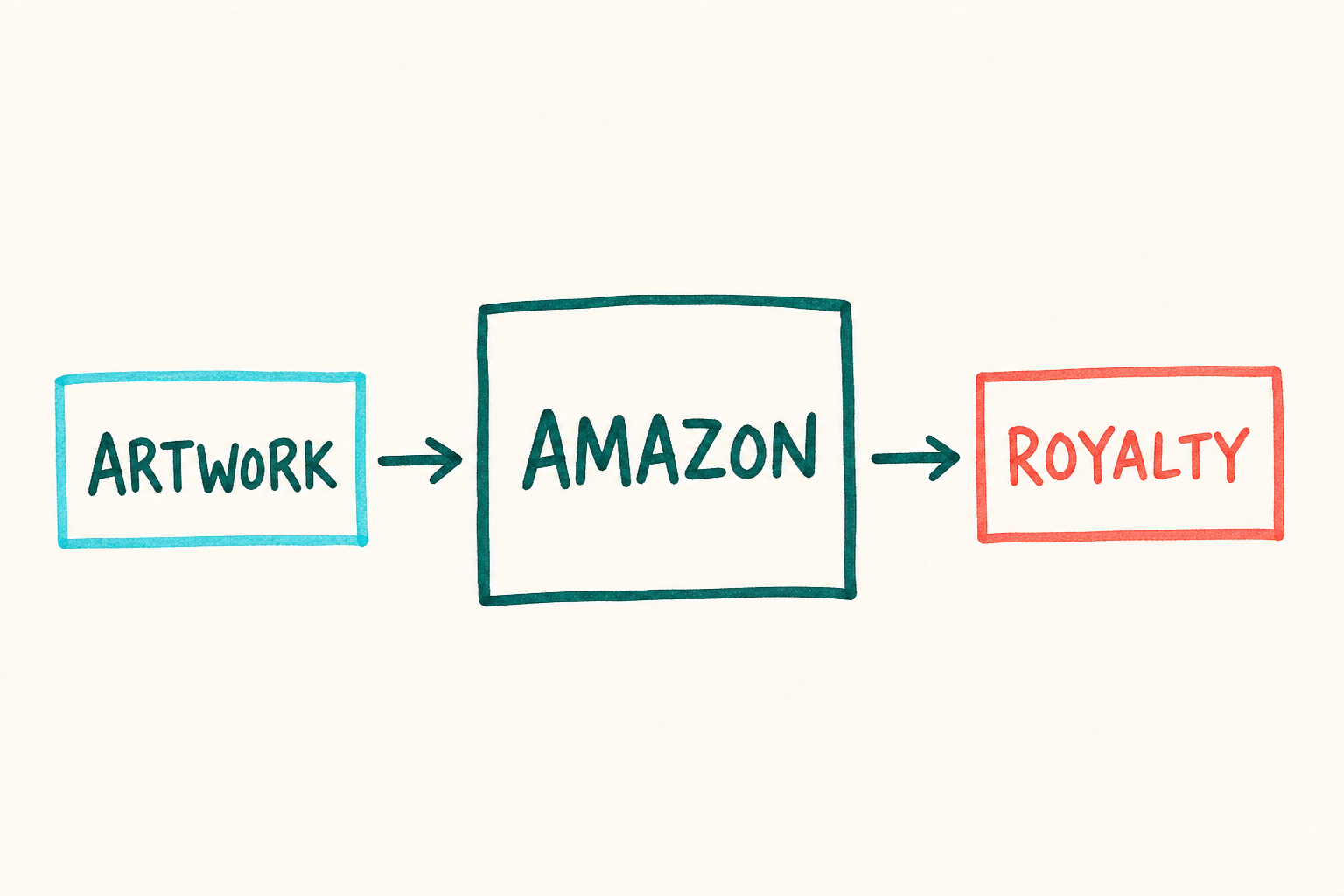
Amazon Merch on Demand is a platform-managed marketplace. You supply eligible artwork and product choices. Amazon creates the listing, makes the item after a sale, ships it, and handles customer service.
This is simpler than running a store with a separate fulfillment provider. Amazon still decides whether you can join, which products and markets your account can use, and whether a submitted listing can go live.
Use it when a royalty model fits your goal. Use a connected supplier when you need customer data, your own checkout, broader product choice, or the ability to change fulfillment partners.
The Amazon Merch trade
- 1
You supply artwork
Use work you own and the current product template.
- 2
Amazon reviews
The account and each submitted product remain subject to Amazon.
- 3
Amazon sells and fulfills
The marketplace hosts the page, produces the item, ships it, and supports the buyer.
- 4
You earn a royalty
Eligible earnings use the current offer price, tax, and Amazon cost formula.
Apply and read the account rules
- 1
Request an account
Use Amazon's official Merch on Demand page. Give complete, truthful business, tax, and payment information.
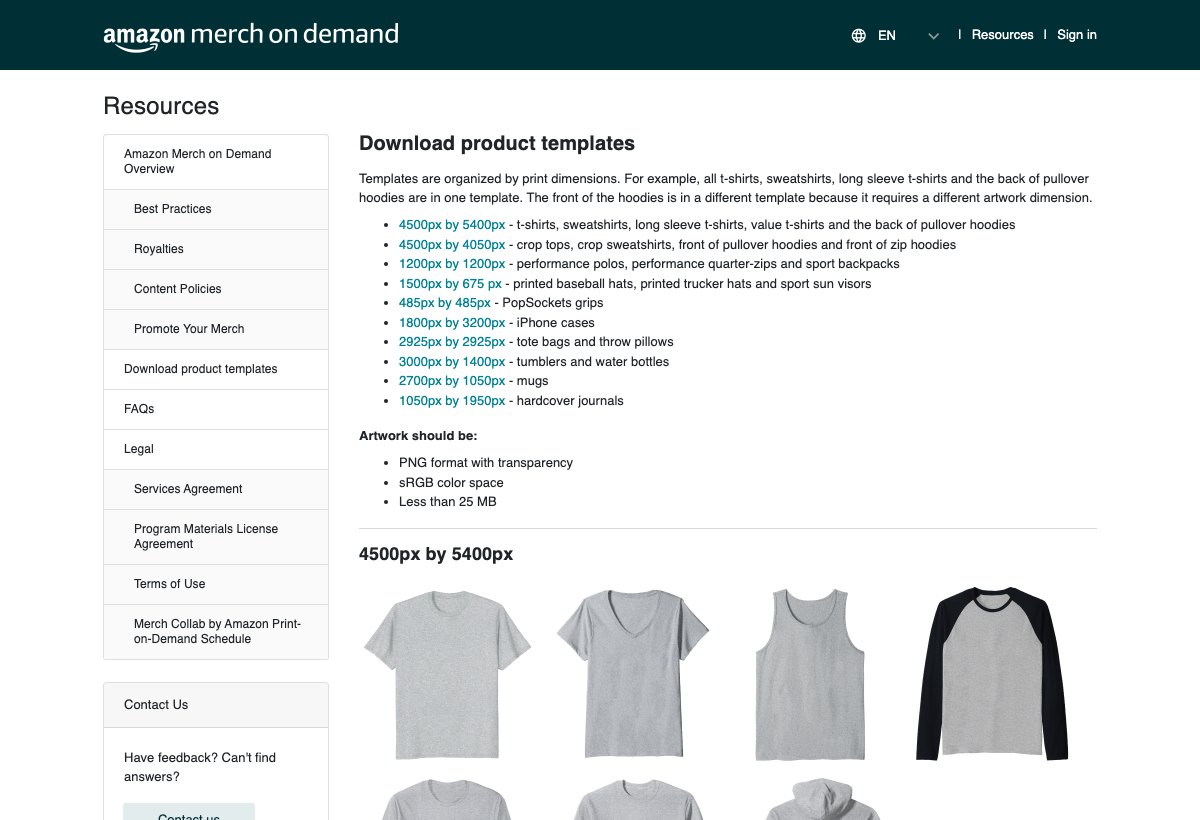
Amazon's template page: file dimensions are a constraint before the upload. Amazon Merch product templates (opens in a new tab) - 2
Prepare a rights summary
Describe what you create and how you know you can sell it. Keep source files and licenses ready for your own records.
- 3
Wait for Amazon's decision
Do not buy an account or trust a service promising approval. Amazon controls access.
- 4
Read the signed-in dashboard
If approved, record the products, markets, submission capacity, and policies shown to your account before planning a catalog.
Use Amazon's account and FAQ pages:
Build a rights file before the first upload
A phrase can look generic and still be protected in the product category where you want to use it. Fonts, graphics, photographs, characters, logos, and celebrity references can create separate problems.
Keep a small evidence folder for every design. Include the editable source, creation date, font and asset licenses, trademark search notes, and the exact final file so you can answer a rights question later.
Stop the upload if you cannot answer one of these:
- Who created every visible element?
- Does each license allow merchandise and print-on-demand use?
- Could the words identify someone else's brand in apparel?
- Does the listing text introduce a protected name that is absent from the art?
- Can you retrieve the evidence six months from now?
Read the current creative rules:
Calculate the royalty for one product
Amazon's official program page says the royalty is based on the product's offer price, less applicable tax and Amazon's costs. Use the royalty shown in the publishing flow for the exact product and market.
Costs and sample prices can change by product and marketplace. Use Amazon's current royalty resource and the amount shown in the publishing flow rather than an old earnings table.
| Input | Where to get it | What to record |
|---|---|---|
| Offer price | Current publishing flow | Price for the exact market and product |
| Applicable tax | Amazon's current calculation | Do not assume it is creator income |
| Amazon costs | Current royalty resource | Product-specific amount in the formula |
| Royalty | Publishing preview | Expected creator earnings before your own tax |
Use Amazon's live royalty material:
Run one controlled listing through the full review path
- 1
Download the current template
Use the file linked by Amazon for the exact product. Do not resize a file made for another print area and hope it survives review.
- 2
Choose a restrained product set
Enable only the products and colors where the artwork remains clear. More variants create more previews to inspect.
- 3
Write literal listing copy
Name the subject, audience, and occasion in natural language. Leave out competitor names, keyword bait, and claims the design cannot prove.
- 4
Preview every selection
Check placement, contrast, spelling, and crop at the smallest visible size before submission.
- 5
Submit and record the result
Save the submission date, chosen settings, review outcome, and any message Amazon provides. Change one thing at a time if a revision is needed.
- 6
Inspect the live buyer experience
Open the final Amazon page and record its availability, market, delivery promise, and review state before sending anyone to it.
Keep copies of what you own
Amazon handles the buyer, checkout, production, shipping, and customer service. You do not own the customer relationship or decide how every operational issue is handled.
Keep copies of the artwork, rights records, product research, and audience contacts outside the account. Use the listing as one sales channel and keep your own backup.
Review the signed-in rules before every upload batch. Public summaries are useful for the model, but the account dashboard is where current products, markets, capacity, and notices apply to you.
Compare marketplace control:
Recheck the current program model:
A few common questions
Is Amazon Merch on Demand free?
Amazon's official program page describes a free account with no out-of-pocket program cost. You can still spend money on artwork, research, samples bought through Amazon, promotion, and professional advice.
How long does Amazon Merch on Demand approval take?
Amazon's public material reviewed for this guide does not promise a fixed decision time. Apply with accurate information and rely on Amazon's account messages, not a third party's countdown.
How many designs can a new Amazon Merch account upload?
Do not rely on a universal number from an old article. Products, markets, and submission capacity can be account-specific. Use the current limit shown in your signed-in dashboard.
How are Amazon Merch royalties calculated?
Amazon says the royalty is based on the product's offer price, less applicable tax and Amazon's costs. Check the live royalty amount for the exact product and market before submitting.
Does Amazon handle customer service and returns?
Amazon's program overview says it handles worldwide shipping and customer service for Merch on Demand products. Review the live listing and account policies for the buyer experience in each market.
Sources and screenshot credits
Show 8 official sources
- Amazon Merch on Demand overview(opens in a new tab)
- Amazon Merch on Demand account(opens in a new tab)
- Amazon Merch on Demand royalties(opens in a new tab)
- Amazon Merch on Demand best practices(opens in a new tab)
- Amazon Merch on Demand product templates(opens in a new tab)
- Amazon Merch on Demand FAQ(opens in a new tab)
- Amazon Merch on Demand legal terms(opens in a new tab)
- Amazon selling programs(opens in a new tab)

Get updates for this guide.
Keep up to date with news and announcements from the print-on-demand industry.